BitSpeed Transfer vs rsync and rclone for Moving One Large File
You’ve got a big file to move, a VM image or a database dump or a video master, and a link you don’t fully trust. The usual answers are rsync and rclone, and they’re good answers. BitSpeed Transfer covers a narrower case. Here’s how to tell which one you’re in.
Short version: pick by where the file is going. rsync is for machines you reach over SSH. rclone is for cloud storage. Transfer is for one large file going to a receiver you run yourself, when you need proof at the end that it arrived whole.
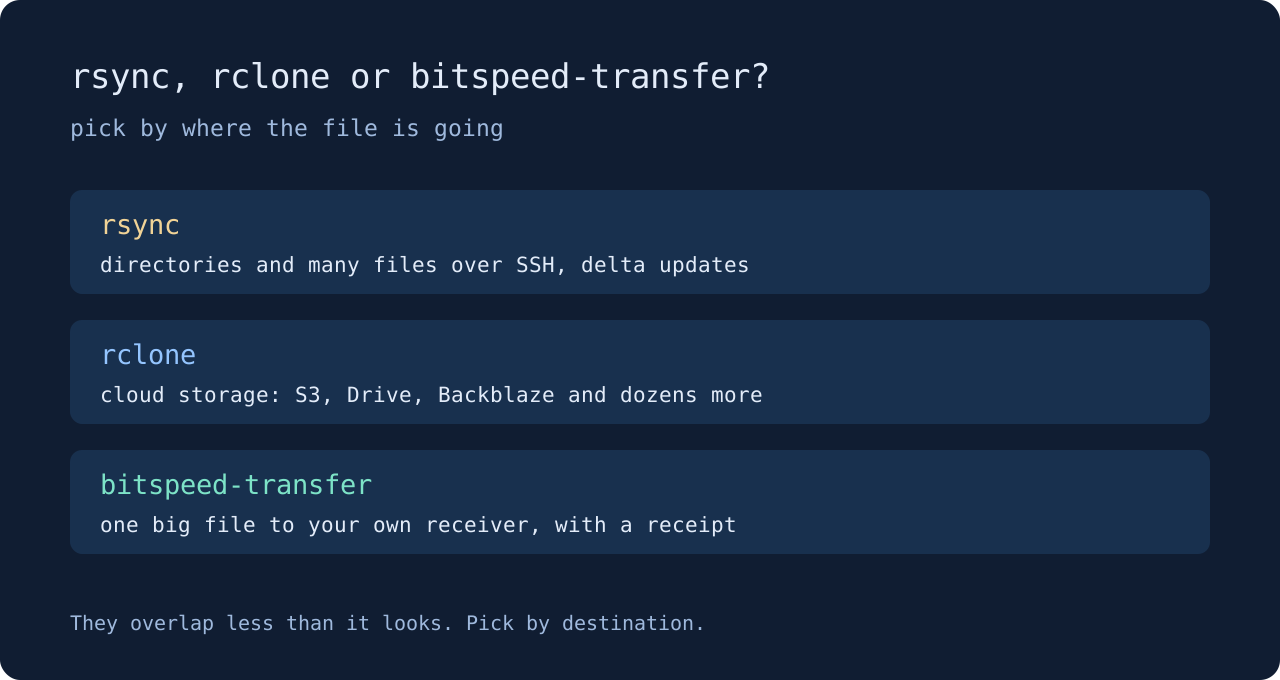
rsync
rsync has been around for decades for good reason. It syncs whole directory trees, sends only the changed parts of files that already exist on the other side, and checks each file after transfer. With --partial it keeps a half-sent file so a rerun can build on it. If you have SSH to the destination and you’re moving folders or updating files that mostly exist already, use rsync. Transfer doesn’t do directories or delta updates at all.
rclone
rclone speaks to S3, Google Drive, Backblaze and dozens of other storage services, and it’s the right tool when the destination is a bucket. Transfer has no cloud backends. Its receiver is a process you run on your own machine or server.
Where Transfer fits
Transfer is built around one question: after something breaks, what do we know for certain? Before sending, it copies the file into a snapshot and hashes every chunk, so the original can change or disappear without affecting the transfer. When either side crashes, the receiver rechecks the chunks it stored against their hashes and reports which ones it can prove. The sender sends only the rest. At the end, the receiver checks the whole file’s digest and the sender saves a receipt before it says it’s done.
In the Transfer case study, both ends of a 256 MiB upload were killed with SIGKILL. After restart the receiver vouched for 136 chunks, the sender sent the other 120, and the digest matched the deleted original.
It runs over HTTPS with a token, so you don’t need SSH accounts on the receiving side. That suits handing a large file to a server you control without giving the sender a shell.
What it costs
Transfer 0.1.0 moves one file at a time, sends chunks one after another, and delivers on Linux and macOS only. The snapshot is a full extra copy on the sender. The receiver keeps stored chunks until you clean them up, so budget disk for that too. These are deliberate trade-offs for a first version, listed on the Transfer page.
If your job is folders over SSH, use rsync. If it’s a bucket, use rclone. If it’s one file that has to arrive whole, with a receipt to show for it, try Transfer from the download page.